How to play
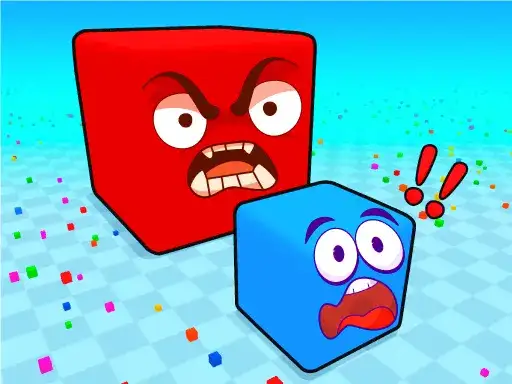
You control a cube in an arena full of blocks. Eat the blocks around you to grow your cube and add points. Other cube players are in the arena too, and they are eating blocks, cubes and lower-scored players. The developer says each block you eat gives you some points, so the aim is to eat as many as possible and become the biggest block of the arena. You can also find various cube skins.
The game is played both single and two player. In single player you drive your cube with the keyboard, and the camera follows your mouse. In two-player mode both players share the arena and each has their own set of keys.
Controls explained
Player 1 uses W, A, S, D. Player 2 uses the arrow keys. In single player mode, control the camera by left-click and mouse, and control the camera zoom with the mouse scroll. On mobile devices and tablets, use the joystick controls.
Tips
- Eat the small blocks around you first to build points before you go after bigger targets.
- Keep an eye on other cube players, since they eat lower-scored players as well as blocks.
- Use the mouse scroll to zoom the camera out in single player so you can see more of the arena.
- In two-player mode, stay apart from each other so you are not competing for the same blocks.
- Look for cube skins as you play.
FAQ
Can I play with a friend? Yes. The game is played both single and two player, with Player 1 on W, A, S, D and Player 2 on the arrow keys.
How do I grow my cube? Eat blocks around the arena. Each block you eat gives you some points, and eating enough makes your cube bigger.
Can I play on a phone or tablet? Yes. On mobile devices and tablets the game uses joystick controls.